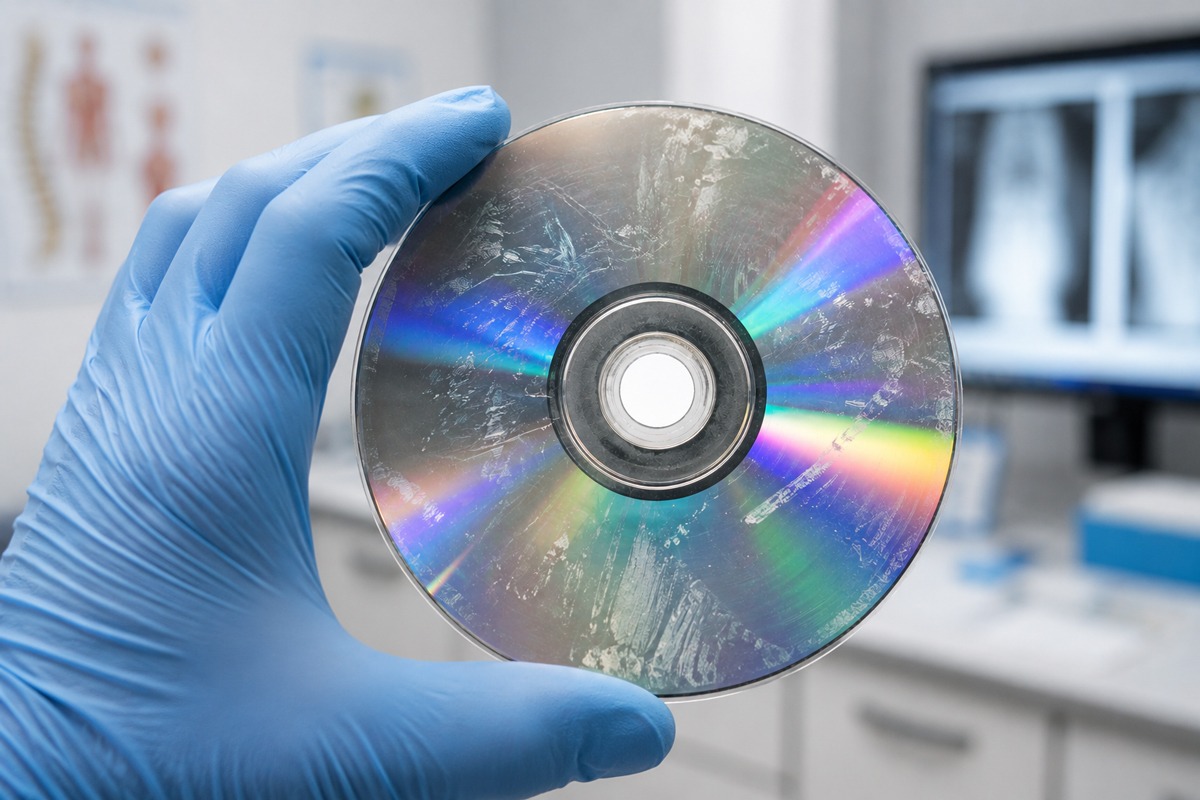
It happens in nearly every imaging facility. A patient arrives for a follow-up or specialist consultation carrying a disc from another provider — and the disc won’t open. Maybe the file structure is wrong. Maybe the embedded DICOM viewer is missing or corrupted. Maybe the disc itself is physically damaged. Whatever the cause, the result is the same: a delay in care and a frustrated patient.
Knowing how to handle this situation quickly and professionally makes a real difference in patient flow and staff confidence.
Start with the Basics
Before assuming the disc is defective, check the simple things first. Inspect the disc surface for visible scratches, smudges, or fingerprints. A clean, lint-free wipe from the center outward (never in circular motions) can resolve read errors caused by surface contamination. Try the disc in a different drive if one is available — some optical drives are more sensitive to disc quality than others.
Check Your DICOM Viewer
Many imaging discs include an autorun viewer that launches automatically when the disc is inserted. If that viewer is missing, outdated, or incompatible with your operating system, the disc may appear blank even when data is present. Installing a standalone DICOM viewer — several reliable options are freely available — allows your staff to access the image files directly without depending on the disc’s bundled software.
Once a viewer is installed, try navigating to the disc manually through your file explorer and looking for a DICOM folder or .dcm files. The images are often accessible even when the autorun feature fails.
When the Disc Itself Is the Problem
Some discs simply fail. Low-quality media, poor storage conditions, or age can render a disc unreadable regardless of your equipment. In these cases, your best option is to contact the originating facility and request a replacement disc or an alternative method of transfer. Document the issue clearly for the patient’s record.
If your facility frequently receives discs from a particular referring provider and those discs are consistently problematic, it may be worth a direct conversation with their imaging team about disc quality and format standards.
What This Means for the Discs You Send
Every disc that leaves your facility reflects on your practice. When patients and referring physicians receive discs that open reliably, display correctly, and are clearly labeled, it eliminates exactly the kind of friction described above. Using quality media, tested DICOM formatting, and professional labeling isn’t just about appearance — it’s about ensuring your imaging studies are actually accessible when they’re needed most.
The facilities that send reliable discs create fewer downstream problems. That’s good for patients, and it’s good for the referring relationships your practice depends on.